01
Be easier to find
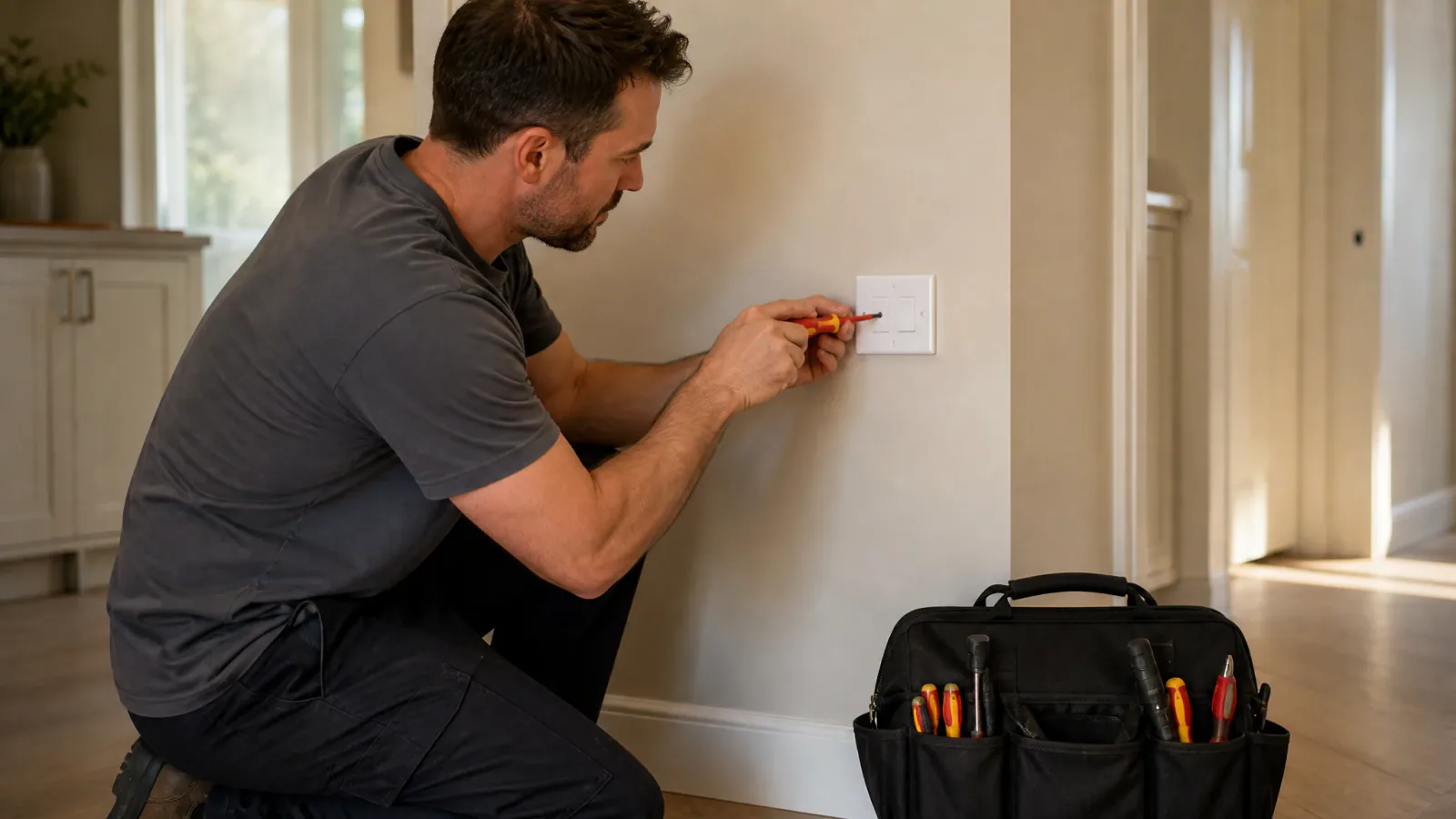
Create a professional site for plumbing repairs, installations and maintenance services.
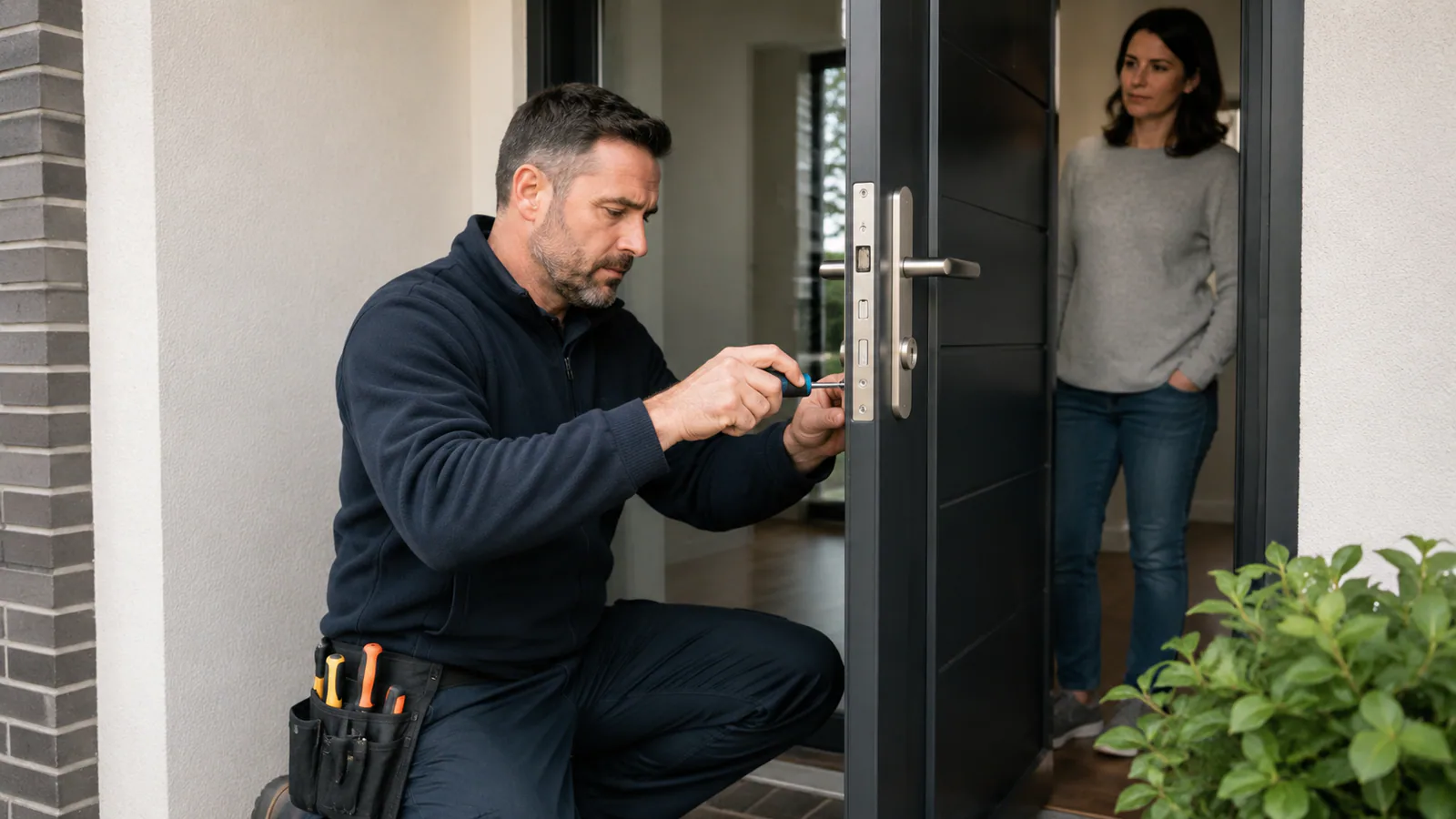
Keep the customer address, job notes and agreed work together. Arrange a visit, prepare a quote after assessing the job, and create an invoice for the plumbing work you complete.
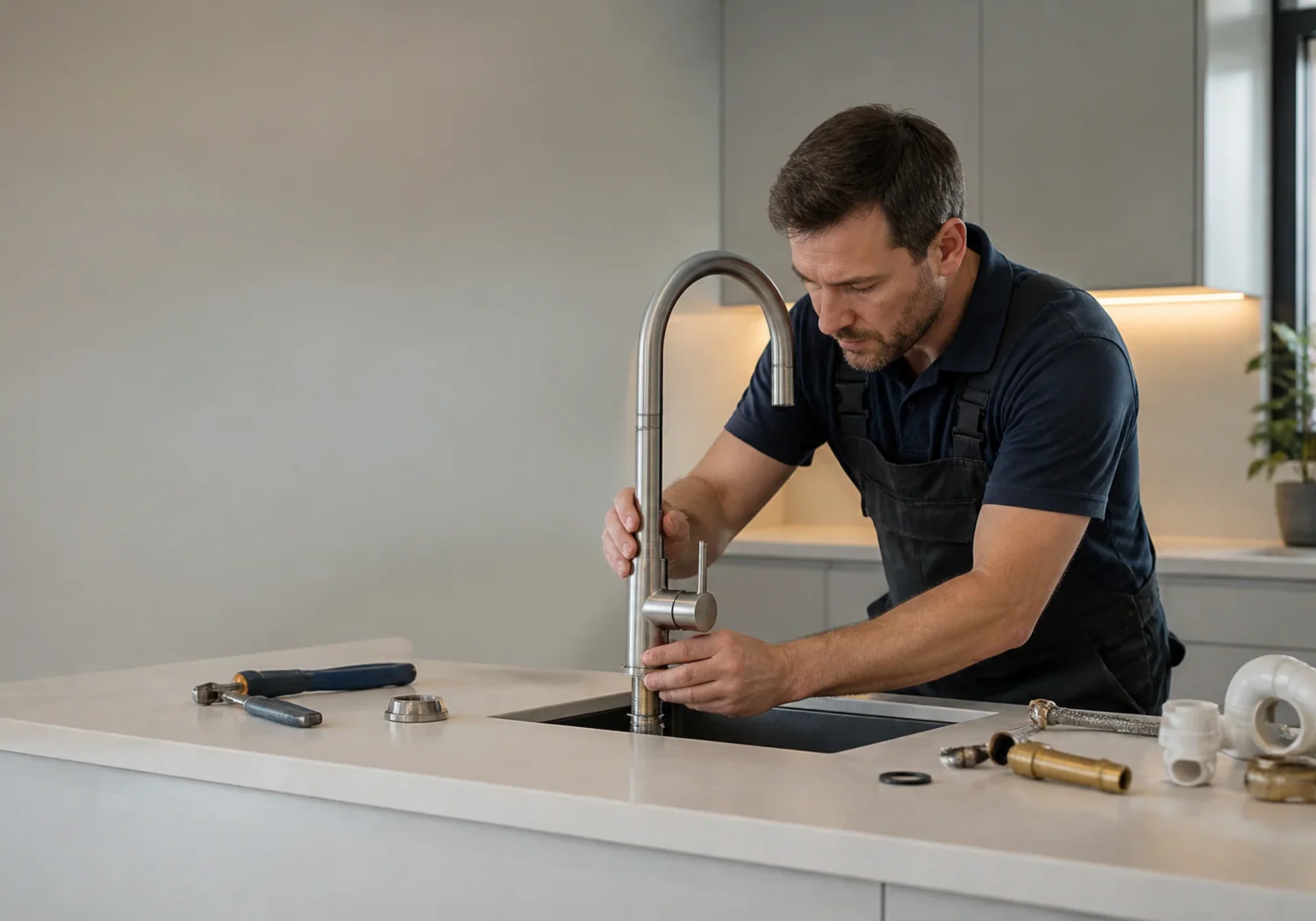
Built for Plumbers
Your business. Connected.
Solo brings together
Website + Bookings + Customers + Finance
A practical guide for your trial
For a sole trader, plumbing software needs to connect the customer, the visit and the paperwork. Solo brings a website, appointment requests, customer records, quotes and invoices into that workflow. Start with a planned repair or assessment visit and follow the steps below.
1
Present repairs, maintenance and assessment visits as clearly described services. State your service area and what the customer is requesting. When the repair needs inspection, explain that the visit comes before the final scope and quote; an appointment request does not establish the repair price.
2
Keep the customer contact details, property address, access arrangements and relevant job notes together. Review the appointment and previous work before the visit. This gives a sole trader one place to find the business information needed for the next conversation.
3
Prepare a branded quote after assessing the job, then an invoice for the work completed. Check the customer details, description and amounts before sharing each document. You decide the work, materials, labour and price; confirm any accounting, stock or specialist field-service requirements separately.
Built around your industry
Solo gives Plumbers a professional customer experience and one place to manage the everyday work behind the business.
Create a professional site for plumbing repairs, installations and maintenance services.
Keep addresses, notes and service history accessible from one customer workspace.
Prepare and send quotes and invoices using your own business details and branding.
Your website included
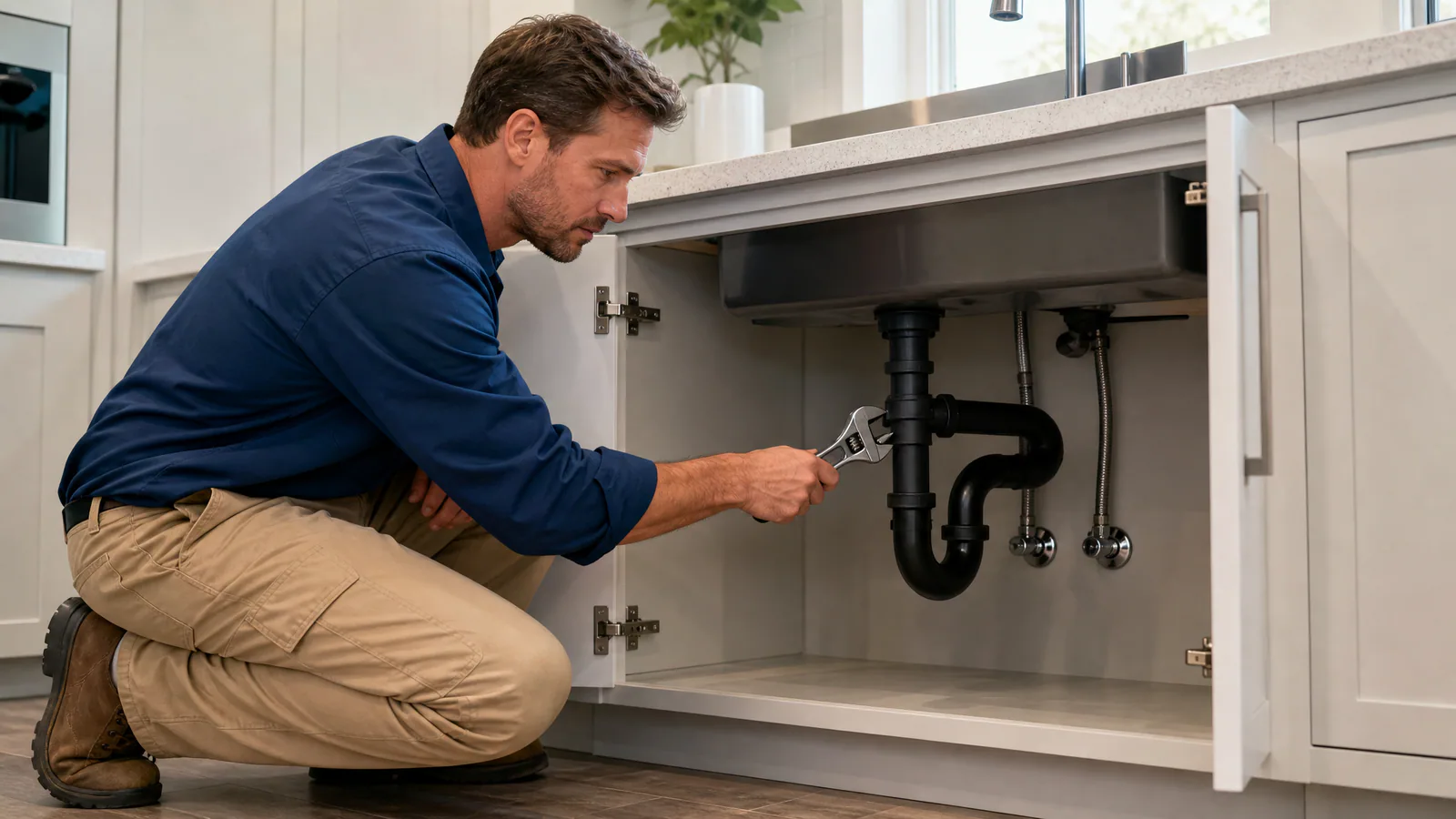
Build a credible plumbing website that clearly presents emergency, installation and maintenance services.
Your plumber website
Powered by Solo by VCMP
Professional local service
Your business deserves more than a social-media profile.
Publish services, images, contact details and booking options through your own business website.
One connected workspace
Give customers an easy online route for submitting plumbing enquiries and requesting appointments.
Keep property addresses, customer notes and previous plumbing work easy to find.
Create clear quotes and invoices for repairs, installations and scheduled maintenance.
Describe your business and use Solo to help create professional website wording around your services.
Replace everyday friction
Solo helps turn scattered business administration into a clear, connected workflow.
Handling urgent and routine enquiries
Managing customer addresses and job information
Following up on quotes
Keeping paperwork professional and organised
Frequently asked questions
Solo can organise customer information, enquiries, appointments and service history for different types of plumbing work.
Yes. Solo includes a professional website builder that can present your services, images, coverage area and contact options.
Yes. Quotes and invoices are included as part of the connected Solo workspace.
Related guidance
Start with the customer address and a description of the requested work. Assess the job, agree the scope and price, then prepare a quote. Solo keeps customer details and job notes alongside branded quotes and invoices. After the work, check the invoice against the agreed scope before sharing it. You decide the labour, materials and price; the software does not assess the property or estimate a repair for you.
Use your Solo website to describe the visit and the information you need from the customer. Offer an assessment appointment when the work needs inspection before a quote. Keep the address and relevant notes with the customer record, then prepare the quote after assessing the job. Make clear whether the appointment is an assessment or agreed repair work, and explain any visit charge before the customer books.
Try a complete example: record a customer and property address, arrange a visit, prepare a quote, then create an invoice for the agreed work. Check that you can find the job notes and understand the document before sending it. Solo combines a website, bookings, customer records, quotes and invoices. If you need specialist dispatch, stock control or accounting integrations, confirm those requirements separately before choosing your software.
Plumbing software for a sole trader helps organise customer enquiries, property details, appointments and the quotes and invoices around the work. Solo connects those tasks with your business website. It is a business-administration option: if you need engineer dispatch, specialist certificates, inventory or accounting integrations, confirm those requirements separately rather than assuming they are included.
Start my free month and bring your website, bookings, customers, quotes and invoices together.
Start your free trialHelp us improve VCMP
We use optional analytics cookies to understand which pages people visit and how they discover VCMP. We do not use these analytics cookies unless you accept them.
Read our privacy policy