Café
00:15FOR BUSINESSES WITH REAL WORK TO SHOW.
Make them
stop
scrolling.
Your photo. Your idea.
Your next video.
Turn your own photos and clips into a finished Reel or Short. Add your words, logo and music. Show your work, promote an offer or give people a reason to book. You can also create fresh footage with AI.
Your media → your message → finished video · US$12 Starter Pass · Monthly plans from $29 USD
Make one video from your own media, up to 30 seconds, plus three five second AI samples. No card needed.
BIG IDEAS. SMALL SCREEN.9:16 / YOUR WORLD
THE BEAUTY EDITOwn
your glow.BEAUTY / 01
your glow.BEAUTY / 01
THE NEXT DROPMade to
stand out.PRODUCT / 02
stand out.PRODUCT / 02
YOUR DAILY RITUALA little
obsession.FOOD / 03
obsession.FOOD / 03
YOUR NEXT
“I MADE THAT.”
“I MADE THAT.”
Creative concepts. Your story comes next.↗
THINK VERTICAL.Instagram ReelsYouTube ShortsFacebook ReelsMAKE IT YOURS. ↗
MADE WITH VCMP CLIP
Three photos. One finished post.
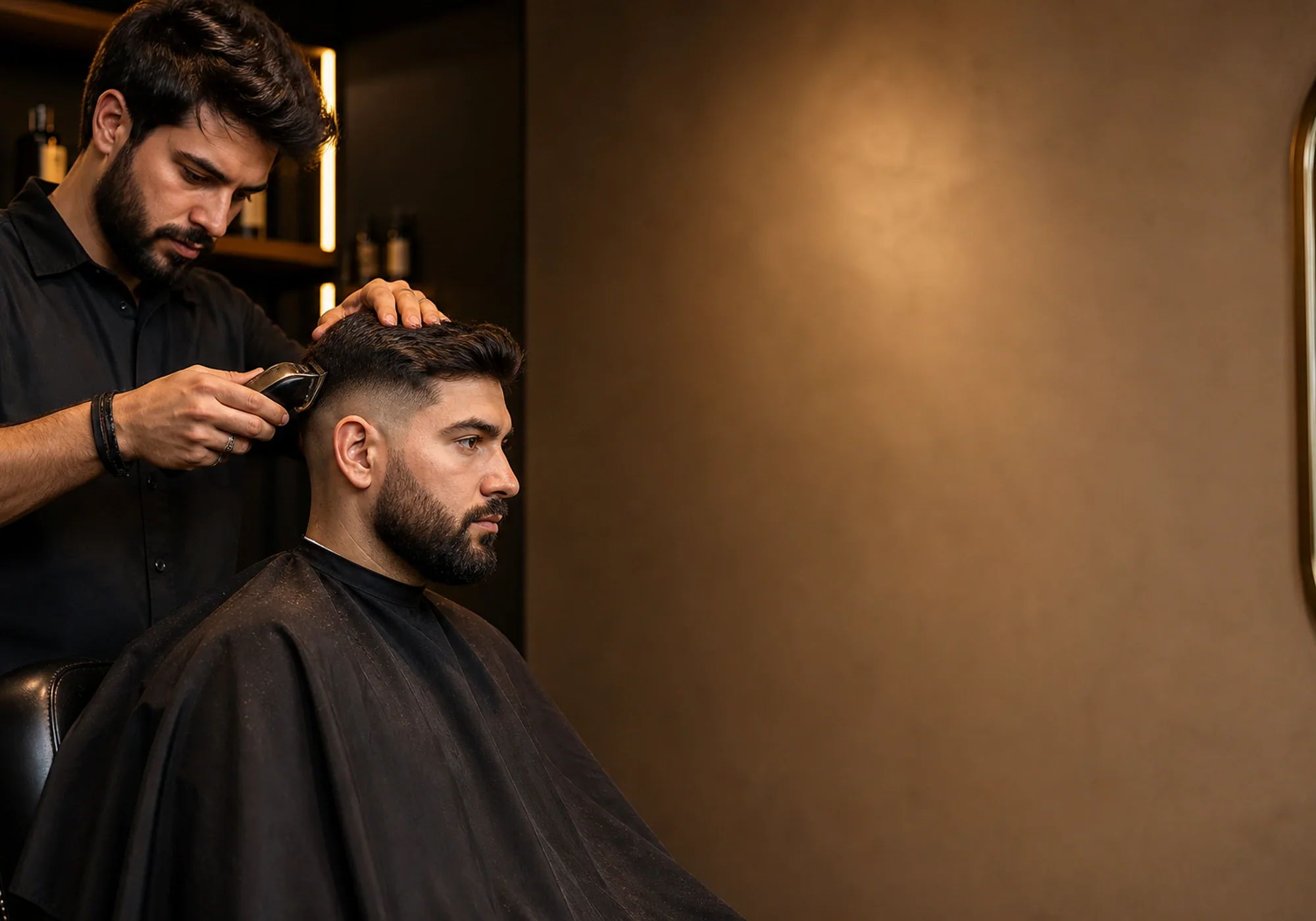
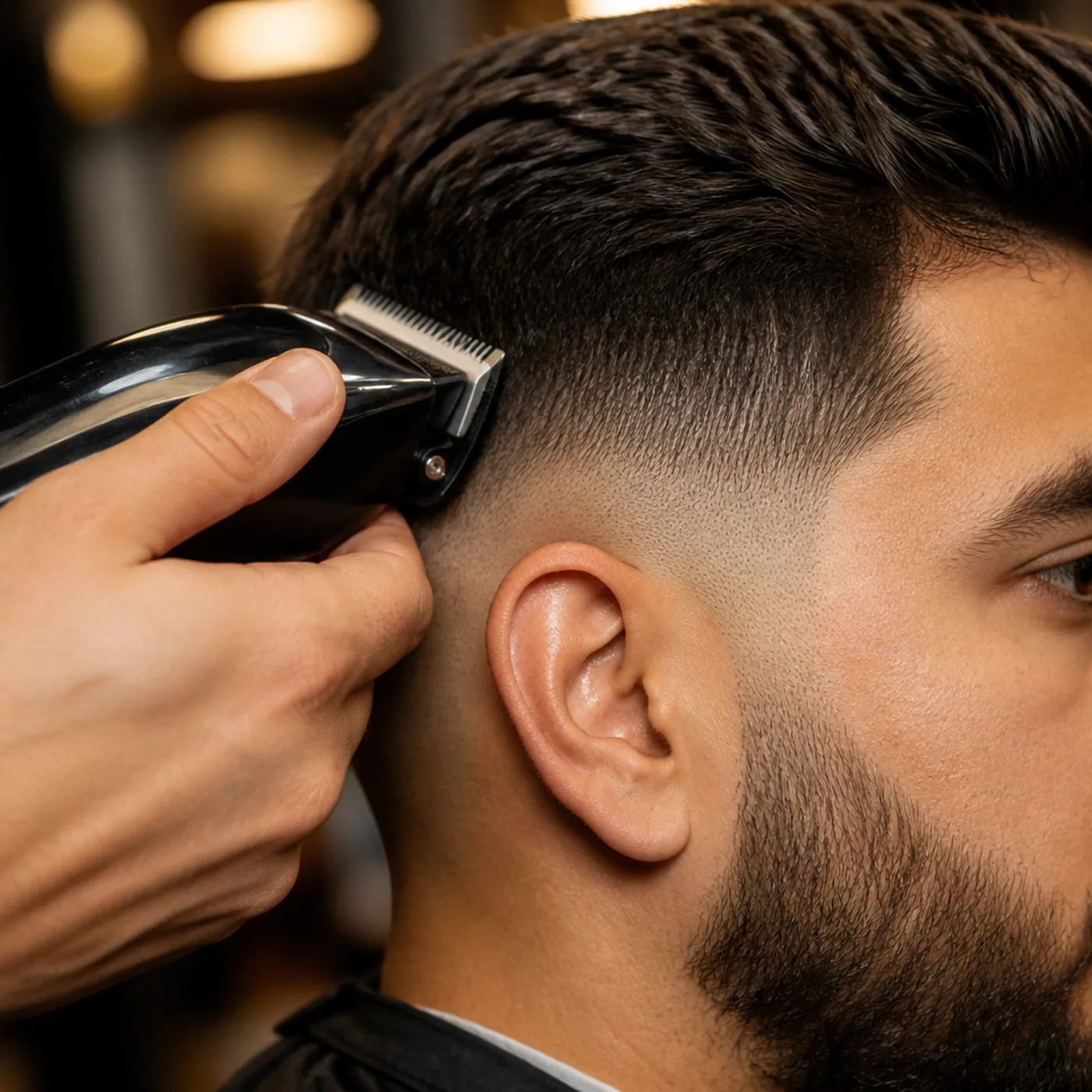
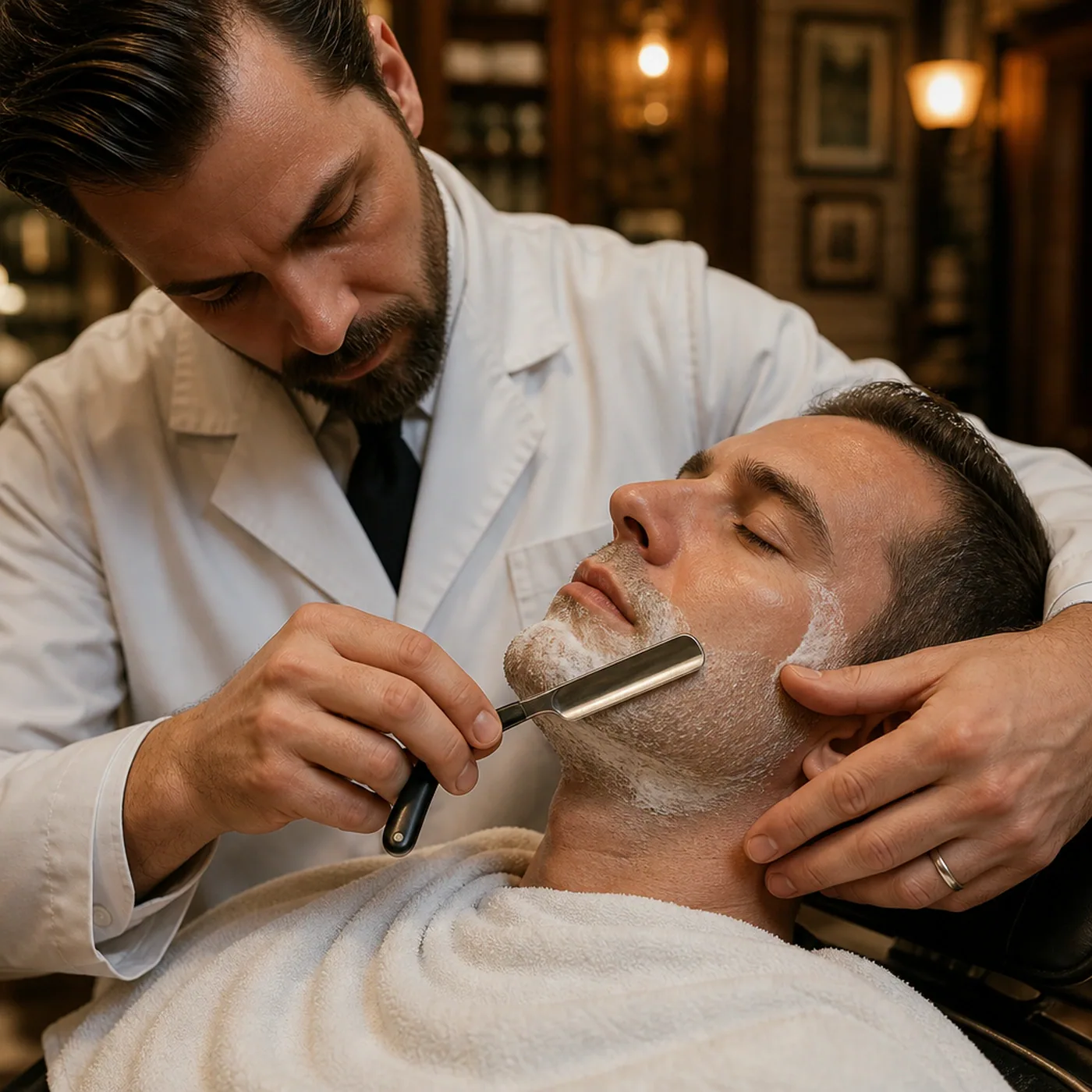
See how a café, a barber and a decorator could turn their photos into promotional videos. Each 15-second film includes editable wording, a call to action and a soundtrack from Clip.



Barber
00:15Fill the next chair.
See the three source photos
Trades
00:15Turn job photos into a quote enquiry.
See the three source photos



Illustrative businesses using VCMP template photos. Unmute to hear the music. You can also see how a single photo works in our product, salon and café demos.
Make my first business videoYOUR WORLD. WORTH WATCHING.
Big creator energy.
Whatever you do.
Building a following? Launching a product? Filling your next appointment? Start with a story people can connect with.
CREATIVE CONCEPT
Behind the scenes. In the spotlight.
Content creators
Make your next idea the main event.
A fresh take, a favourite find, a day worth sharing. Build a short around your point of view, then make the edit feel unmistakably you.
Personal brandsProduct storiesBehind the scenes
Find your creative starting point Illustrative campaign concepts, not generated video results.YOUR OWN MEDIA · YOUR FIRST FINISHED VIDEO
Less overthinking.
More creating.
Start with your own photos or clips. Beginner guidance helps you shape the words, branding and sound. Choose AI generation or photo animation when you want fresh footage.
01
Add your photos or clips.
Show your real work, product or place. Use photos and clips you have permission to share.
YOUR MEDIA. YOUR STARTING POINT.02
Make your message clear.
Add your own words, a clear next step, your logo and optional music. Review every scene before exporting.
YOUR WORDS. YOUR BRAND.03
Preview and download.
Check the result before sharing. Download your clip, or open the editor to add captions, your logo and optional music.
YOUR VIDEO. READY FOR YOUR REVIEW.LOOK LIKE YOU.
SOUND LIKE YOU.
A little
more
you.
Your real work. Your own words.
Keep your photos and clips as original media. Add sharp wording and logo layers, then review the edit before export.
Make your words move.
Style your captions with fade, rise and pop effects. Add a banner. Put the message where it belongs.
Find your soundtrack.
Choose included music, upload your own or add a recorded voice. Adjust the sound, or keep your video silent.
Learn as you create.
Choose Beginner, Novice or Expert. Prepare your first draft with practical guidance, then keep control as you learn.
BUILT TO FIGHT AI SLOP
Your message. Your real details. A better-reviewed video.
Start with what makes your work or ideas yours. Keep original material, check the current edit and repair the parts that need attention.
Help that grows with you
Beginner prepares more of your first draft and explains why each step helps. Novice offers concise guidance. Expert keeps the detailed controls available.
50 useful starting points
Get a relevant shot list and review tips for cafés, venues, trades, shops, charities, creators and more.
Find a problem. Repair that part.
Use timestamped edit checks, preserve confirmed wording and try offered framing or music fixes without generating new footage.
See what was checked
Download an edit report showing the checks, outstanding suggestions and owner review. People, products, motion and factual truth still need your judgement.
CREATIVITY HAS NO SINGLE LANGUAGE.
30languages.
Your creative world.
Your creative world.
Feel at home.
Make something bold.
Choose your workspace navigation and account controls in a language that feels familiar. Including right-to-left support.
Some editing controls, help and legal content are currently in English. Language support does not include automatic video translation or dubbing.
A WORLD OF IDEAS
Your next big moment.
Your story belongs on screen.
English30 interface languages
A language preview. Choose your workspace navigation and account language inside Clip.
Explore all 30 interface languages
Englishالعربية简体中文ShqipFrançaisEspañolItalianoDeutschAfrikaansPortuguêsPolskiTürkçeBahasa IndonesiaTiếng Việtไทยहिन्दीاردوবাংলাفارسیУкраїнськаRomânăکوردیNederlands日本語한국어РусскийSvenskaDanskΕλληνικάעברית
YOUR NEXT CHAPTER. YOUR CHOICE.
Small clips.
Big plans.
Start with the US$12 pass, subscribe monthly, or prepay for three or six months. Choose your video length and see how your AI creation allowance works.
Plans are available inside Clip.The full price, allowance and renewal terms are shown before payment.
ONE-TIME PURCHASE
Starter Pass · US$12
Get 3 AI creation units and 30 days to edit and export your own photos and videos. Each new AI take of up to 30 seconds uses 1 unit. Unused units expire when your pass ends.
Get the $12 Starter Pass
Pay once after signup. No automatic renewal.
Creator
12 AI CREATION UNITS / MONTH$29USD / month
Up to 12 × 30-second videos
1 unit per 30-second AI take
Uploaded footage, editing and exports included
Mix lengths to match your ideas
Choose CreatorStudio
24 AI CREATION UNITS / MONTH$39USD / month
Up to 24 × 30-second videos
1 unit per 30-second AI take
Uploaded footage, editing and exports included
Mix lengths to match your ideas
Choose StudioPro
36 AI CREATION UNITS / MONTH$49USD / month
Up to 36 × 30-second videos
1 unit per 30-second AI take
Uploaded footage, editing and exports included
Mix lengths to match your ideas
Choose ProMaximum examples assume one successful take per section. Regeneration and separate photo-animation shots also use units.
Compare three and six month prepaid options
Plan your next three or six months of content. Prepaid access has one upfront price, pooled creation units and no automatic renewal.
Creator
- 3 months
- $87 USD once
- 36 creation units for the full period
- 6 months
- $174 USD once
- 72 creation units for the full period
Studio
- 3 months
- $117 USD once
- 72 creation units for the full period
- 6 months
- $234 USD once
- 144 creation units for the full period
Pro
- 3 months
- $147 USD once
- 108 creation units for the full period
- 6 months
- $294 USD once
- 216 creation units for the full period
Create your account, then choose your plan and access length in Account & settings. Full terms are shown before payment.
Create your accountPrices in USD. Checkout shows the total before payment. Monthly plans renew until cancelled. Unused monthly allowance expires. Three- and six-month options are one-time purchases with pooled allowances. No payment is taken on this page. Each AI generation of up to 30 seconds uses 1 unit, including regeneration. Separate photo-animation shots each use a unit. Longer AI videos combine reviewed takes. Confirmed technical failures return units. Uploaded footage, editing and exports are included with paid access.
Can I explore Clip before paying?
Yes. Create an account, confirm your email and choose a password. Make one 15 or 30 second video from your own photos and clips, plus up to three five second AI samples. Create one at a time; a retry limit applies. No card is needed to create your account.
How does Quick mode work?
Upload a photo you have permission to use, describe the action and choose Create. Review the generated clip, then download it or open the editor to add wording, branding and optional music. Creation can take several minutes and results vary. Your workspace shows the trial or paid allowance available before you create.
Can I pay once instead of subscribing?
Yes. The US$12 Starter Pass includes 3 AI creation units and 30 days of editor access from payment. It does not renew. Choose three or six months of prepaid access in Account & settings. Creator costs $87 for three months or $174 for six; Studio $117 or $234; Pro $147 or $294. All prices are in USD. These are one-time payments with pooled creation units for the access period and no automatic renewal. Monthly subscriptions are also available. Check the full terms before paying.
Is this for creators or businesses?
Both. Use Clip to shape a personal-brand short, a product story, a salon showcase, a café special or your next useful tip. The creation coach includes 50 industry starting points with capture guides. Choose Beginner, Novice or Expert help. You bring the point of view.
Can I use my own photos, video and music?
Yes. Upload media you have permission to use, add your wording and personalise the edit. Music and recorded voice are optional. You need the necessary rights for your uploads and their intended use.
Does Clip include music?
Yes. Search and preview included tracks, then choose one for your video. You can also upload music you have permission to use. For AI footage, choose Add music & finish to add your soundtrack in the editor. The raw AI footage download is silent.
How can I avoid a generic AI-looking video?
Start with your own point of view and a real example. Simple lets you use original photos, clips and their sound, with optional capture guidance and a natural, graphic or playful direction. Use original media for exact products, labels and actual work. AI footage can illustrate a creative idea; references can still drift. Watch every scene and listen before confirming the edit for export.
Can I check facts and repair one scene?
Yes. New Simple projects keep a production brief with scene purposes and source labels. When you use the business planner, its confirmed facts stay with the edit. Missing required wording and an overdue offer recheck stop export. Review changed details, or restore a scene's last confirmed wording and source while keeping the other scenes, music and narration. These are editing checks and owner review, not a guarantee that every generated detail is accurate.
Can I generate a video from a prompt?
Yes. Choose a 30-second, 1-minute or 2-minute finished video. Generate one 30-second AI take, or plan the complete one- or two-minute story first. Each next section advances the planned action and uses the preceding ending frame as its starting reference. Review every section before finishing the film. AI creation can take several minutes per take; your workspace shows progress. Results and details can vary between takes.
Can I make a two-minute video?
Yes. Choose 2 minutes in the simple creator. For fresh AI footage, Clip plans the complete story first. Create and review its four 30-second sections in order; each next section uses new story directions and the preceding ending frame, then open the full story in the editor. You can also create a two-minute video with your own media. Add wording, branding and optional music. Four new AI takes use 4 units. Uploaded footage, editing and exports are included with paid access. The free trial includes one own-media video up to 30 seconds and up to three five second AI samples.
What does 30-language support include?
Choose from 30 languages for workspace navigation and account controls, with right-to-left support for relevant languages. Some editing controls, extended help and legal content remain in English. This does not mean automatic video translation or dubbing in 30 languages.
How do plans and AI creation units work?
Creator is $29 USD with 12 units per month, Studio is $39 with 24, and Pro is $49 with 36. Each generation of up to 30 seconds uses 1 unit. A one-minute video assembled from two new 30-second takes uses 2 units; a two-minute video with four new takes uses 4. Additional generations and separate photo-animation shots also use units. Confirmed technical failures return allowance. Uploaded footage, editing and exports are included with paid access. Monthly plans renew until cancelled and unused units expire. Three- and six-month options are one upfront payment with pooled units and no automatic renewal. Existing purchases keep their original pricing and allowance rules.
Can I download and post my video?
Yes. Download your finished MP4, review the video and sound, then upload through your usual YouTube, Facebook or Instagram app. Your workspace shows your creation allowance and available download options.
VCMP ClipProduct facts and next steps
Understand the product
Read the product facts and buyer questions →Explore a practical workflow
Related product choices
Product workflow notes · English
Watch product films
Official channels and updates
YOUR IDEAS DESERVE AN AUDIENCE.
Your next
big moment.
Make it Clip.
Make one video from your own media, up to 30 seconds, plus three five second AI samples. No card needed. Monthly subscriptions start at $29 USD.