 01 / VIDEO STUDIO
Video Studio
Give every property
its own story.
Upload your clips, put them in the right order and add property facts, your logo, intros and outros. Download the finished video for your marketing.
FROM THE FIRST IMPRESSION TO THE NEXT CONVERSATION
Beautiful property content. A branch window with presence. A clearer route from interest to enquiry. Step into the world of VCMP Estate.
Nine focused tools. One property journey.
A VCMP Estate customer story
A first-hand account of working with VCMP Estate, shared by one of our customers. Watch the full customer review on our official YouTube channel.
Explore the VCMP YouTube channel (opens in a new tab)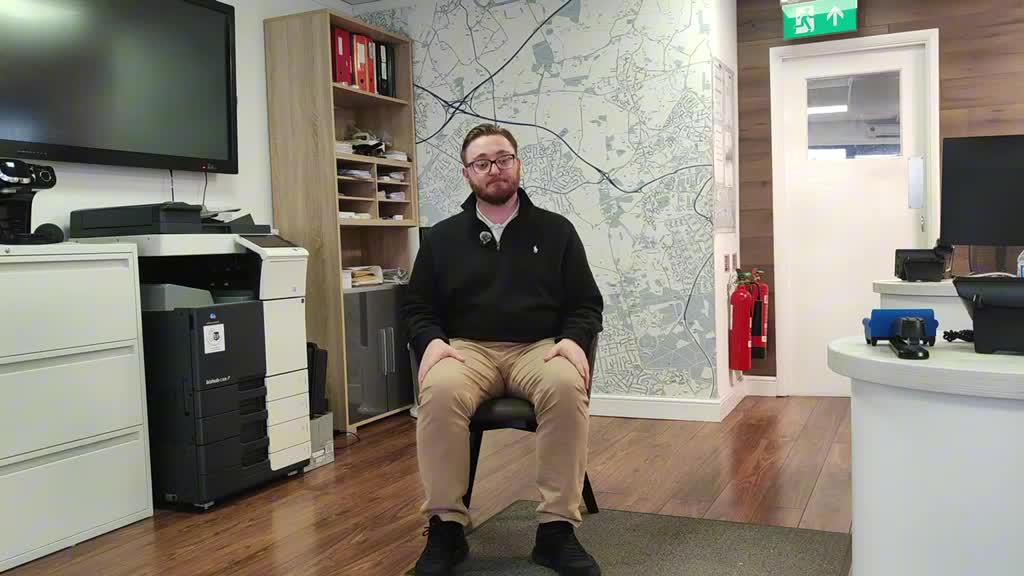
A PROPERTY STORY, WITH A PURPOSE
Create the story. Give it a place in your branch. Make it easy for people to tell you what they need. Bring the enquiry back to your team.
Property films and draft display loops.
Content, playlists and branch screens.
Four clear routes for different customers.
Enquiries, origins and team status.
THE VCMP ESTATE COLLECTION / 01—09
More than a branch window. Explore the tools behind your property content, displays, customer requests and follow-up. We’ll confirm the modules that fit your setup.
01 / VIDEO STUDIOVideo Studio
Upload your clips, put them in the right order and add property facts, your logo, intros and outros. Download the finished video for your marketing.
 02 / SMART EXTRACT
Smart Extract
Turn suggested moments from your property videos into draft display loops. Review the selection before publishing it to your branch screens.
Keep property images, videos and marketing assets organised in your content library, ready for your next playlist or campaign.
Bring your property content onto your branch displays. Manage playlists, scheduling and device assignment around the screens you want to use.
FOUR AUDIENCES. FOUR CLEAR NEXT STEPS.
A seller is planning a move. A buyer wants to see more. A tenant is searching. A landlord needs a conversation. Give each person a clear route to your team.
Valuation Capture
Give sellers a clear way to request a valuation conversation with your team.
A conversation with your team
Property Capture
Capture buyer interest and viewing requests, ready for your team to discuss the property and next steps.
A viewing request to follow up
Rentals Capture
Collect tenant preferences so your team can understand what they are looking for and continue the conversation.
A clearer picture of the tenant’s needs
Landlord Capture
Give landlords a route to request a callback about letting or managing their property.
A landlord callback request
Capture tools collect requests for your team to follow up. Valuations and viewing arrangements are agreed through that conversation.
09 / LEAD INBOX
Bring the four enquiry types into view. Review available branch, page, device and playlist origins, then keep the follow-up status clear for your team.
SEE VCMP ESTATE
A walkthrough of property content, branch displays and enquiry capture.
COMPLETE BRANCH SYSTEMS
Published launch packages with commercial hardware, professional stands, installation, setup, training, support and 12 months of VCMP software.
1 × 32" display
£1,190
Excluding VATDiscuss this package2 × 32" displays
£1,995
Excluding VATDiscuss this package1 × 43" display
£1,495
Excluding VATDiscuss this package2 × 43" displays
£2,495
Excluding VATDiscuss this packageWe’ll confirm display suitability, installation requirements, the included software modules and the complete quote for your branch. The nine tools above describe the Estate offering; module availability in your package is confirmed in your quote.
GOOD TO KNOW
Let’s plan the right content, capture and branch setup for your agency.
Property marketing videos and assets can also be used across your website and social channels. Video Studio lets you work with uploaded clips, order your story, add property facts and branding, then download the video.
The published packages include commercial displays, professional stands, installation, setup, training, support and 12 months of VCMP software. Discuss your branch requirements with us before ordering. We’ll confirm display suitability, installation requirements, software modules and the complete quote for your branch.
The nine tools show the scope of the VCMP Estate offering. We’ll confirm which software modules and capabilities are included in your quoted setup before you choose a package.
Tell us how many branches and displays you want to manage. We’ll walk through the right setup and content workflow for your agency.
Smart Extract suggests moments from property video to turn into draft display loops. Review those drafts before publishing them to your branch screens.
The four capture tools collect seller valuation requests, buyer viewing requests, tenant preferences and landlord callbacks for your team to follow up in Lead Inbox. A valuation request starts a conversation; it does not provide an instant valuation. A viewing request is an enquiry for your team to arrange, not a confirmed appointment.
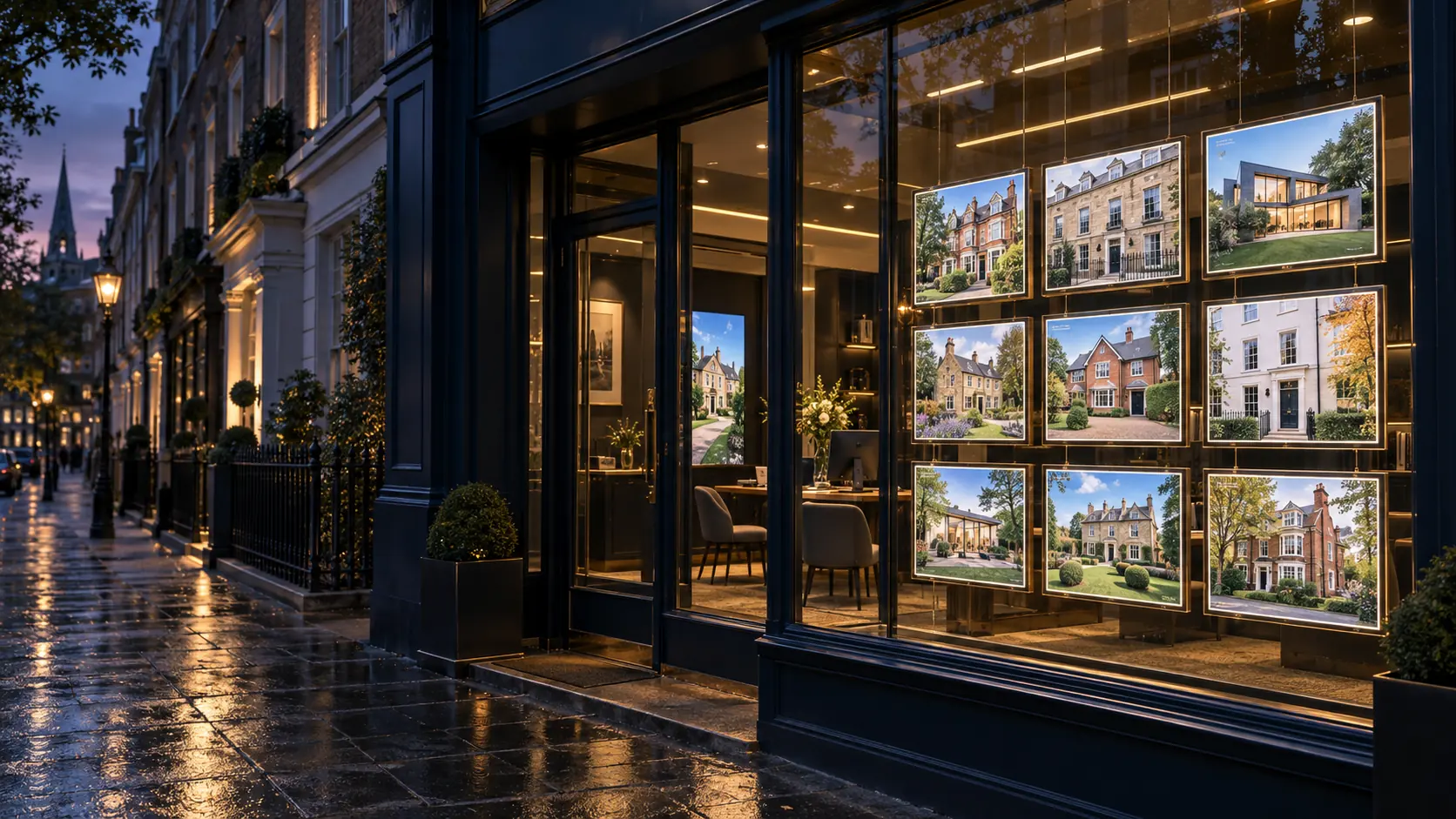
YOUR PROPERTIES. YOUR PEOPLE. YOUR NEXT CHAPTER.
Tell us about your agency, your branches and the customers you want to reach.
VCMP Estate
Help us improve VCMP
We use optional analytics cookies to understand which pages people visit and how they discover VCMP. We do not use these analytics cookies unless you accept them.
Read our privacy policy